What shipped in June.
This is the release where the chat stops being a place you visit and becomes the place you work. Your documents now live inside the conversation, you can keep many open at once, and you can build a deck, a PDF, a spreadsheet, or a web page without ever leaving the chat. Below is everything that shipped, written for humans who do not live in code.
01The big one: your chat and your documents become one place
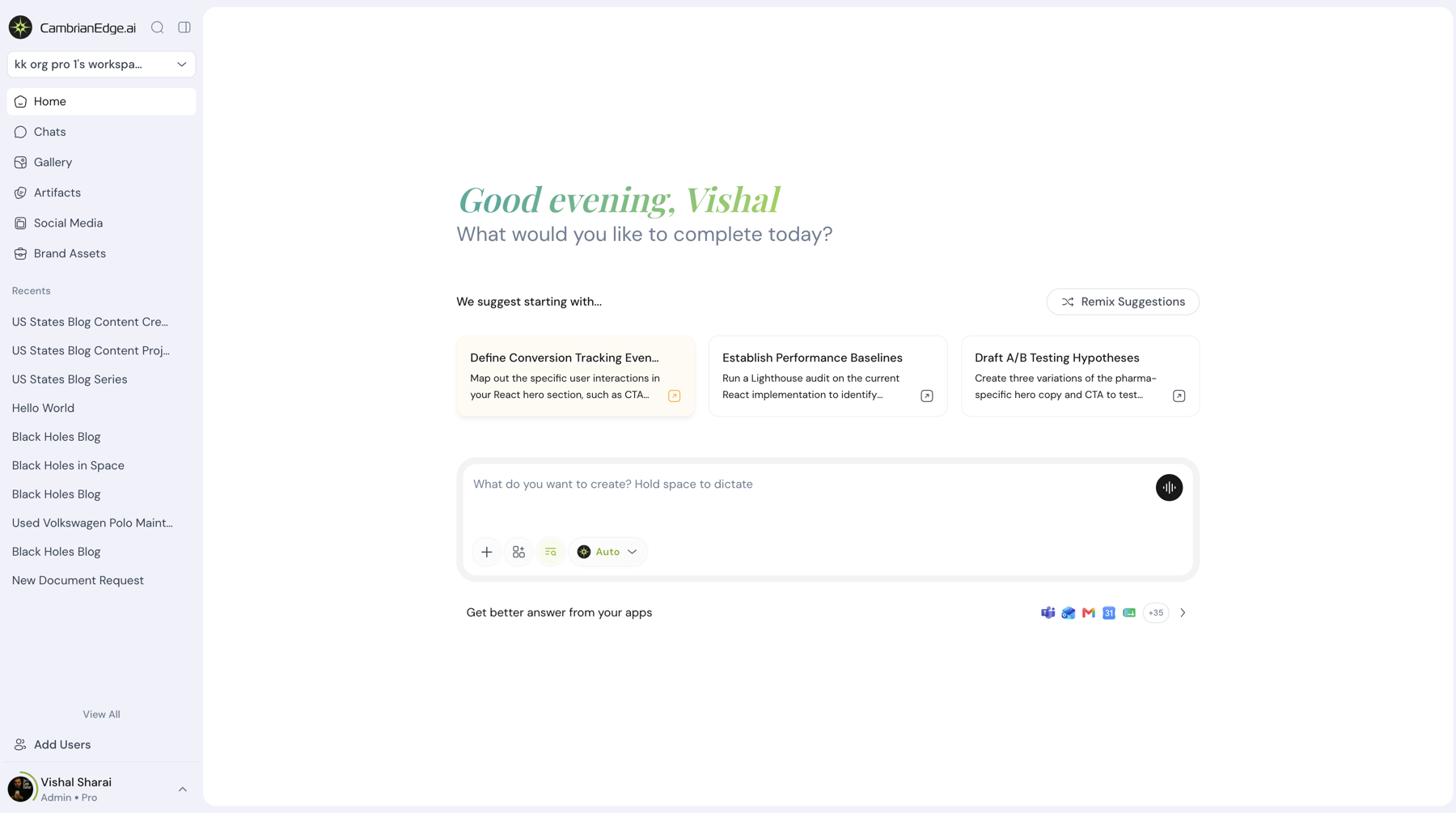
For a long time the conversation and the work lived apart. You talked to the agent in one window, then carried the result somewhere else to actually use it. This release takes that wall down.
Every file you make or bring in now lives inside the conversation as an artifact, sitting right beside the words that created it. Your chats hold your documents. Open one and you pick the conversation back up exactly where you left it.
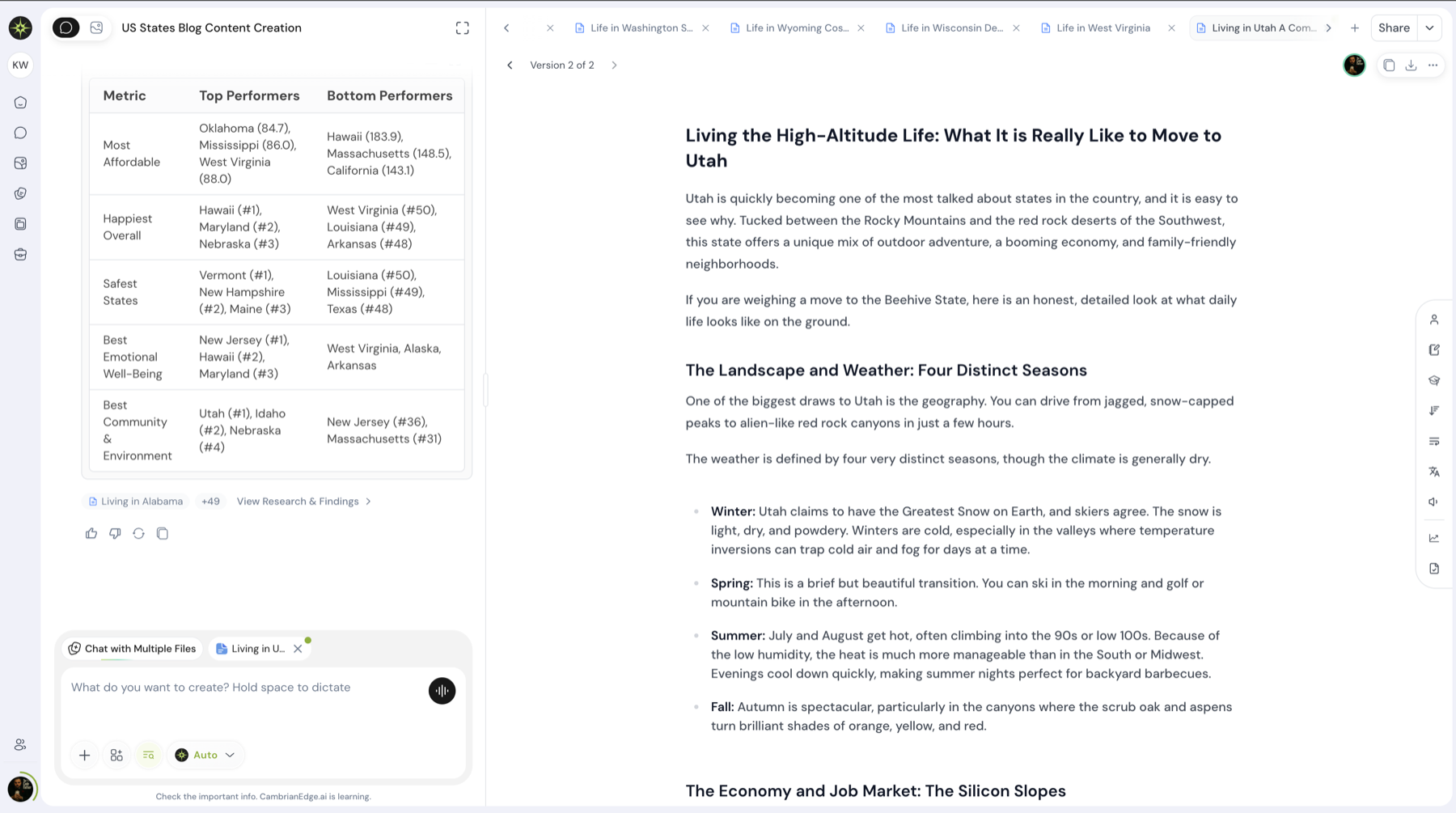
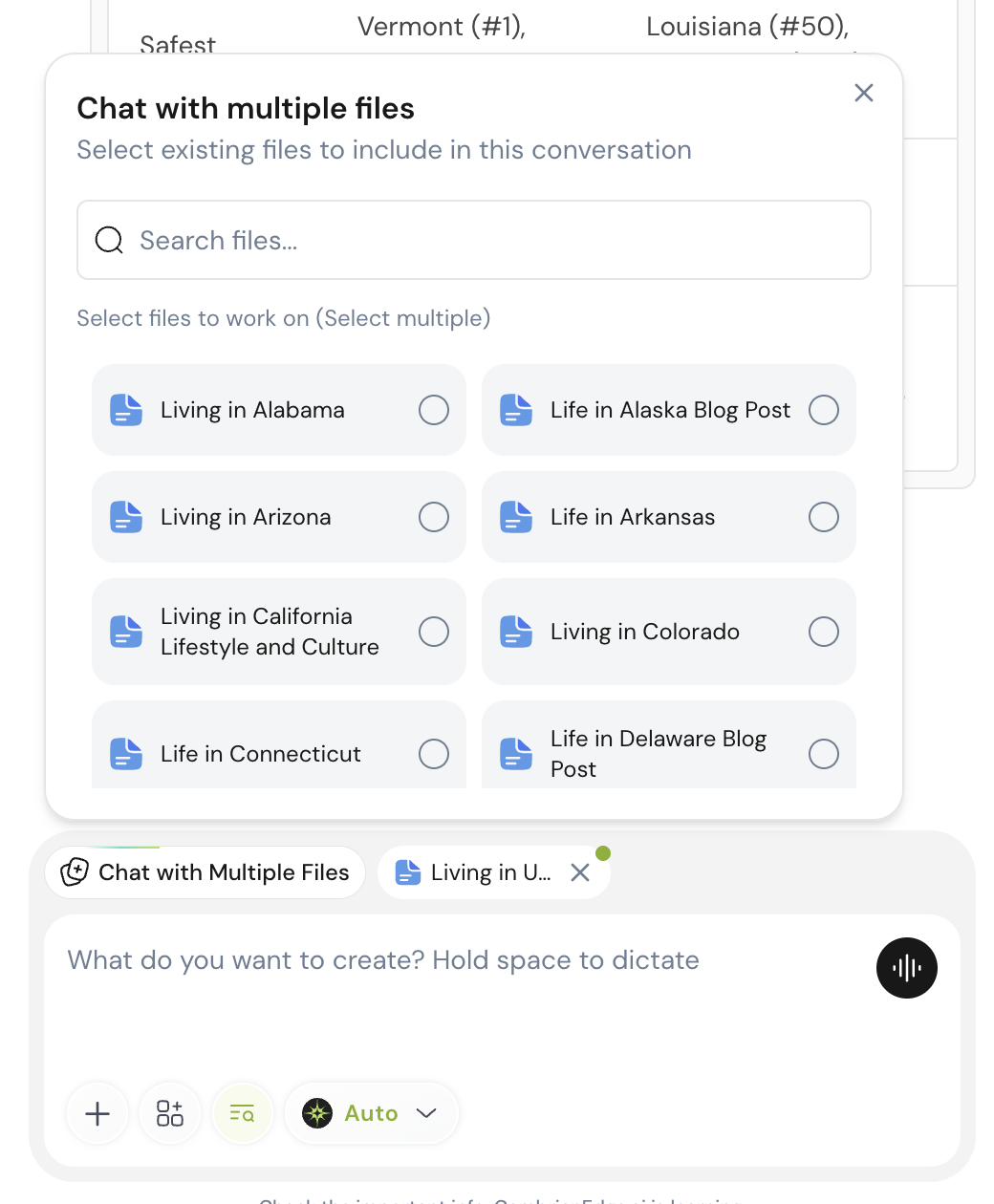
The editor now has tabs, the way a good browser does. Several documents open at once, each in its own tab, each one you can talk to. Move between a deck, a brief, and a spreadsheet without losing your place in any of them.
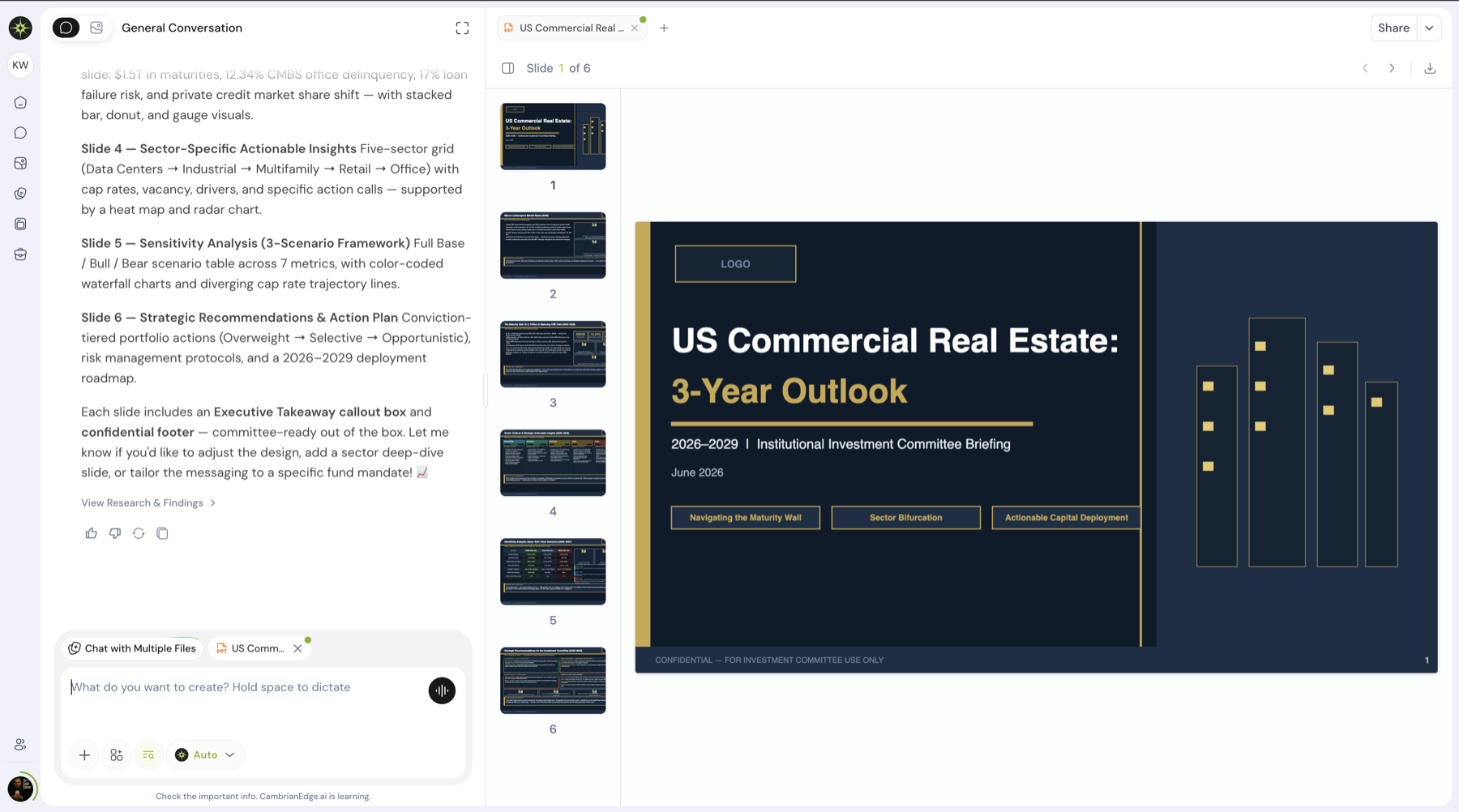
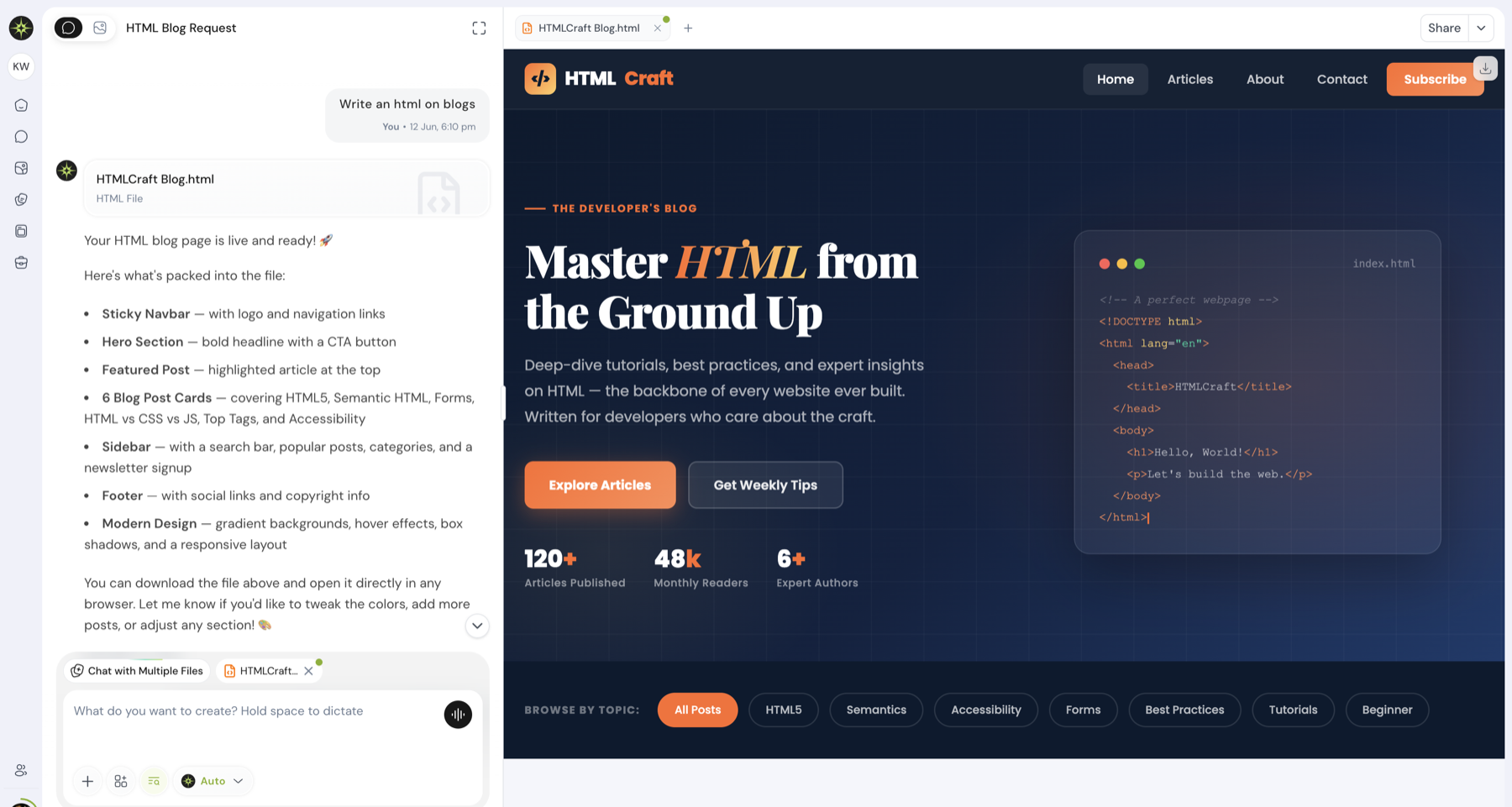
And you build these things from the chat itself, without stepping out of the moment. Ask for a presentation and a genuine, stunning slide deck takes shape in front of you. Ask for a one-pager, a spreadsheet, a report, or a web page, and it is made while you watch. When a document is ready for the world, turn it into a finished HTML page in a click.
What that gives you:
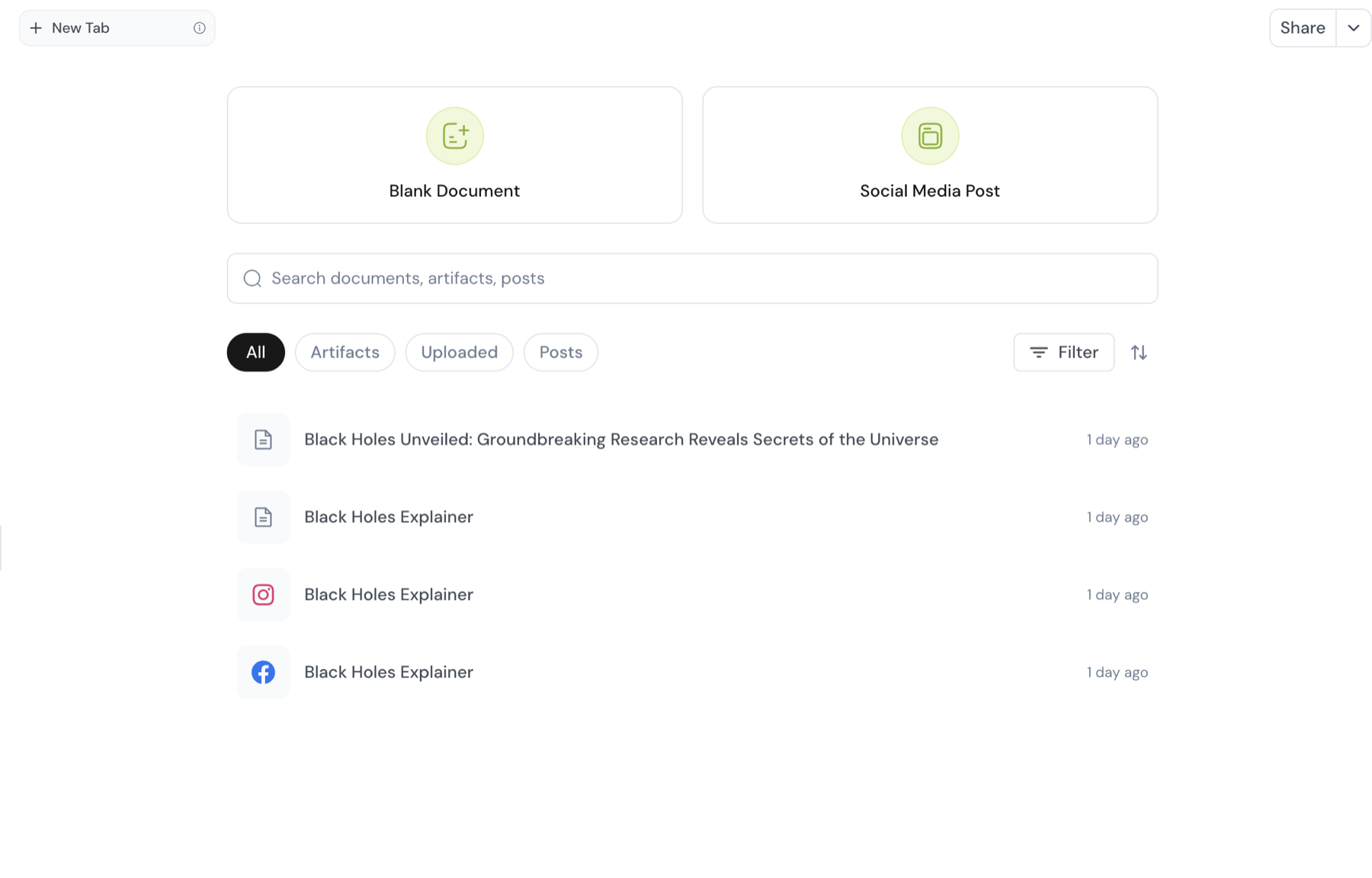
- Files are artifacts. Everything you create or bring in appears on the platform as an artifact, tied to the conversation it came from, ready to find again.
- Tabs in the editor. Work across many documents at once, each in its own tab, each one you can chat with as you go.
- Build it straight from the chat. Presentations, PDFs, spreadsheets, and web pages, created without ever leaving the conversation.
- Real formats, not approximations. PowerPoint, PDF, Excel, and HTML, all first-class, all ready to download or share.
- Stunning decks on request. Ask for slides and you get a real presentation, built to look the part from the first frame.
- Turn anything into a page. Take a finished document and publish it as a clean HTML page in a single step.
- Talk to your spreadsheets. Hand the agent an Excel file and it works through the numbers with you, then edits the files you already have instead of only making new ones.
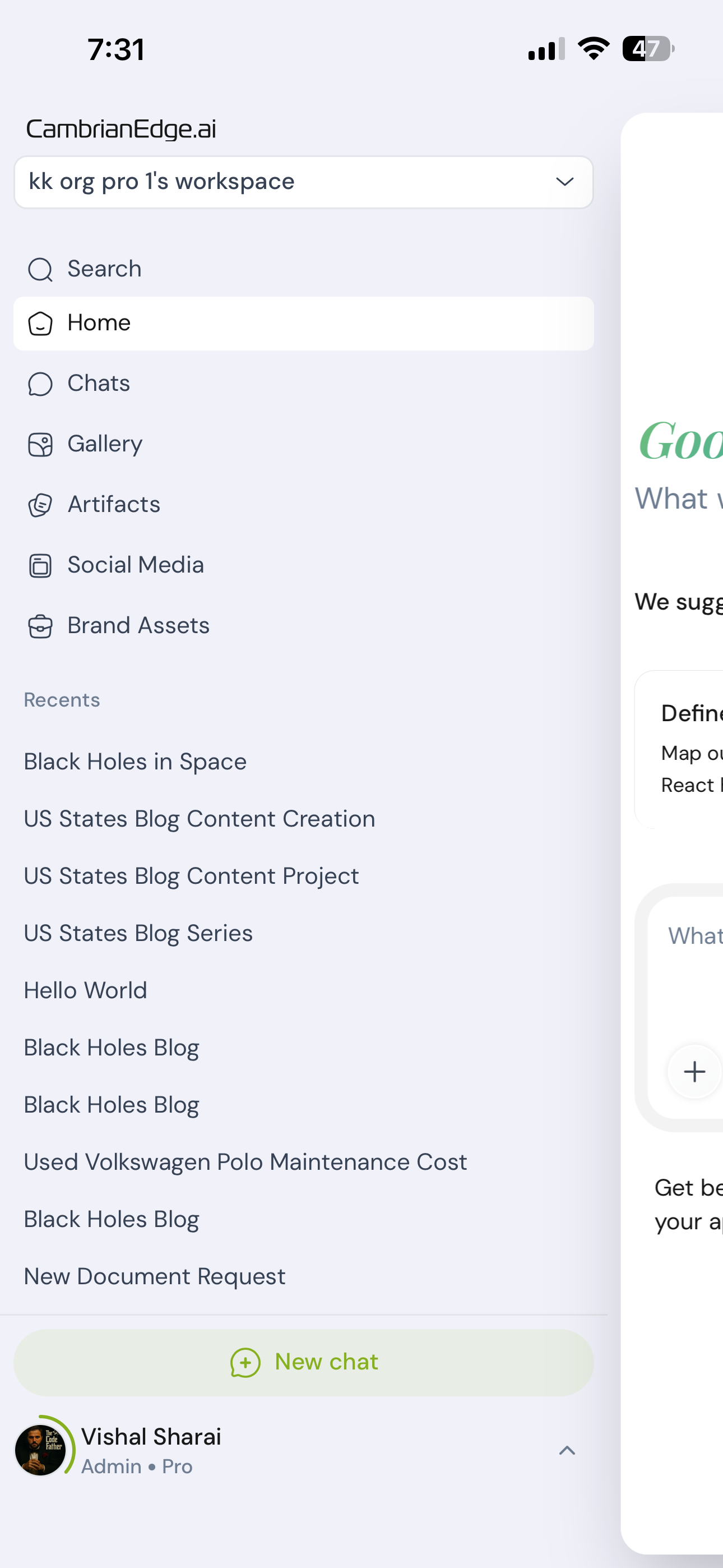
- Conversations that tidy themselves. Each one names itself as you talk, so the sidebar stops filling with "Untitled". Star the ones worth keeping, rename or delete the rest, and a new conversation appears the moment you start it, no refresh needed.
02Social media, end to end
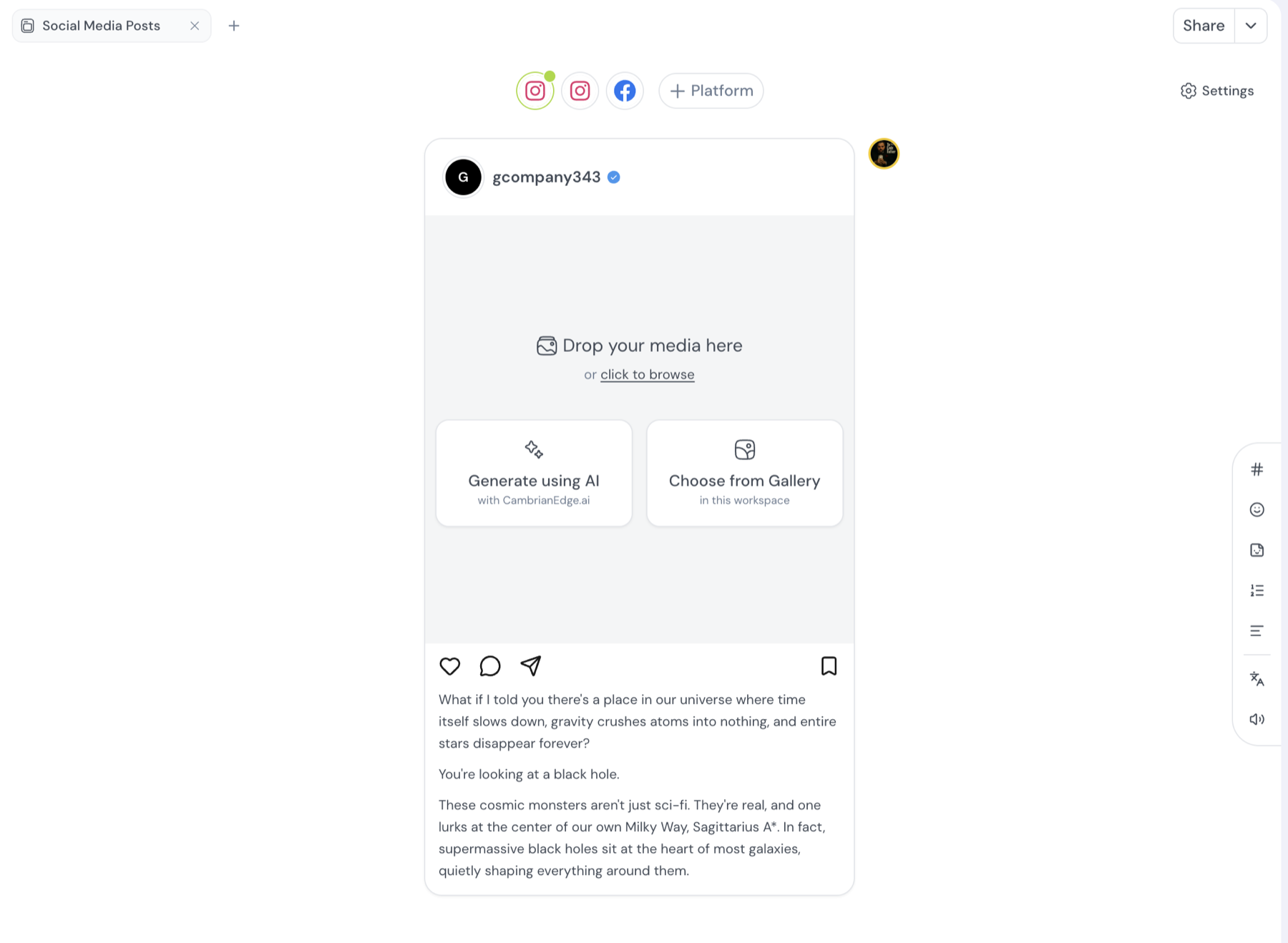
You can now build social posts without leaving CambrianEdge. Start a post, ask the agent to draft the caption, then shape it with your team in real time, everyone on the same draft at once.
Tell it which platform you are posting to and the post fits itself to that platform. Adjust the frame, tweak the wording, and when it looks right, schedule it. The work goes from a blank canvas to a post in the calendar in one place.
03New ways to make video and images
There are new models for turning text into video and images, including Seedance 2.0. You also get more size and resolution options, so a clip built for a feed and one built for a story each come out the right shape.
Pick the model that suits the shot you have in mind, generate, and keep moving. Different jobs want different tools, and now you can switch between them without leaving the canvas.
04Install it like an app
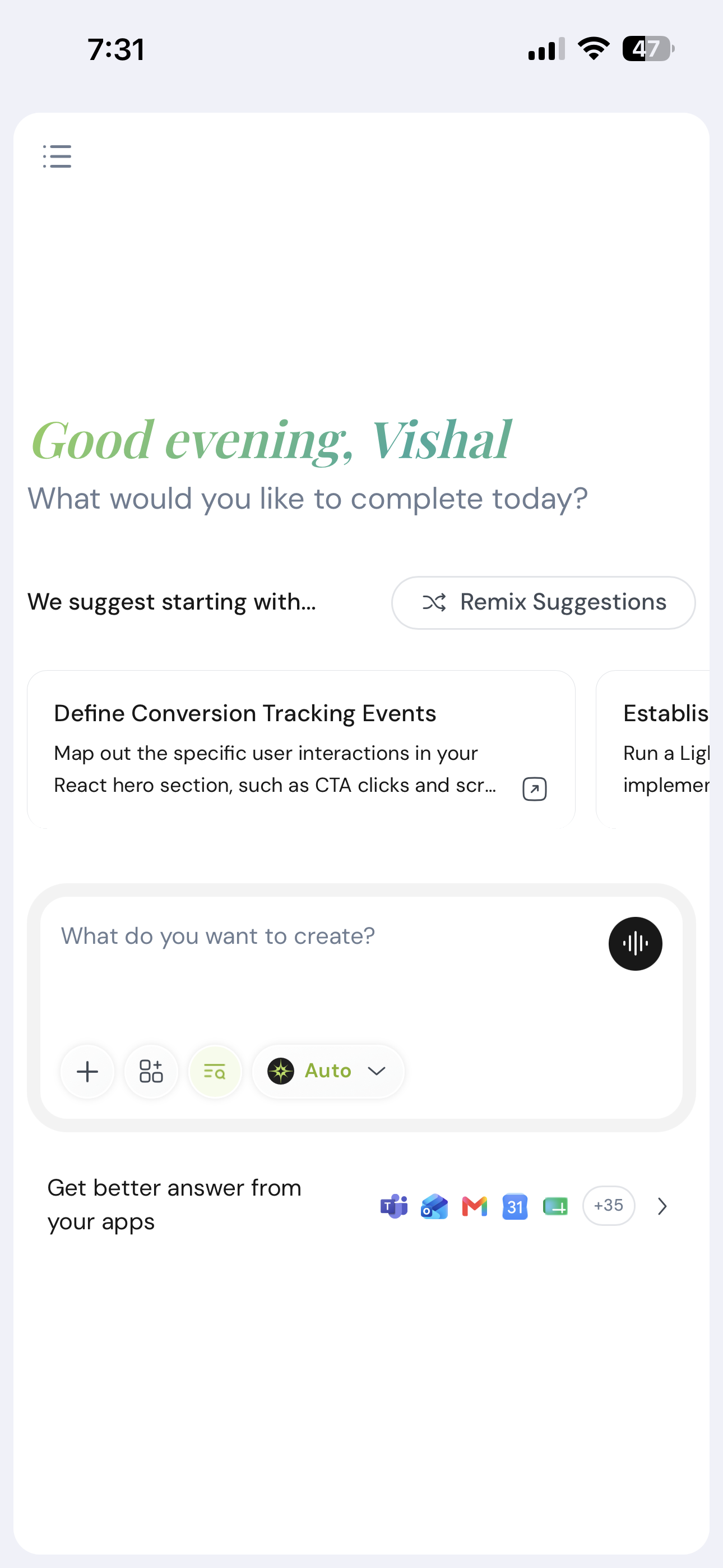
You can now add CambrianEdge to your home screen and open it straight from there, no browser tab required. It loads the basics even when your connection drops, and the whole thing feels lighter on a phone, with a tighter chat composer and a nav that stays out of your way.
05Behind the scenes
Sign-in is faster, so you spend less time waiting at the door. Conversations and the files attached to them stay in sync as you move between them. None of this shows up as a button. You will feel it as a product that keeps up when you are moving fast.
Use it, break it, tell us where it hurts.
Stable 23 June 2026